Shopify redirect not working? 9 causes to check in order
A Shopify URL redirect only fires when the old URL is broken. Work through these nine causes in order, from a page that still loads to a 301 cached by your browser.
You created a URL redirect in Shopify, opened the old address, and landed on the old page. Or on a 404. This guide turns Shopify's troubleshooting list into nine checks, cheapest first. Test each one in a private window before moving on, because your own browser can hide the result (cause 4).
Redirects live under Content > Menus > View URL Redirects (older guides cite Online Store > Navigation, now out of date). For the basics, see our Shopify 301 redirects guide.
1. The old URL still loads a page
Shopify redirects broken URLs only. The help center page on URL redirects says it plainly: "If the URL still loads a valid webpage, then the URL redirect won't work."
Check: open the Redirect from URL in a private window. If a product, collection or page appears instead of your 404 page, you found the cause.
Fix: make the old URL return a 404. Delete the page, or change its visibility. A hidden collection returns a 404, so its redirect works. Same for a product in Draft or removed from all sales channels.
Watch the reverse move: switch that collection back to Visible and Shopify deletes the redirect automatically. If a redirect disappeared from your list, check whether someone republished the source page.
2. A typo in Redirect from or Redirect to
Shopify's own troubleshooting list starts here. A missing slash, a handle with an extra letter, /product/ instead of /products/.
Check: copy the source path from the address bar and compare it with the field, character by character. Open the target too: a missing target sends visitors from one 404 to another. With Liquid in either field, Shopify skips full validation, so nothing flags the mistake.
Fix: edit the redirect. Use a relative target (/collections/shirts) to stay on your primary domain, and a full https:// URL only when you want to leave it.
3. A reserved path or blocked prefix
Some paths can't be redirected at all:
Blocked prefixes:  /apps  /application  /cart  /carts  /orders  /services  /shop
Fixed paths:       /products  /collections  /collections/all
Reserved paths:    /collections/vendors  /collections/types  /apps/  /a/  /community/  /tools/
Collection tag filter URLs (/collections/shirts/blue) fail too, even when no product carries the tag: Shopify considers the path valid.
Fix: the redirect tool has none. Update the links that point to the blocked URL.
4. Your browser cached the old answer
Browsers and search engines cache 301 redirects. Edit a target, and your browser may keep using the old one. Delete a redirect, and it keeps working for a visitor until the cache expires.
Check: test in a private window or on another device, as Shopify recommends.
Fix: clear your browser cache. For a deleted redirect, wait: you can't clear your visitors' caches.
5. .html endings, query strings and special characters
Shopify treats /page.html and /page as the same URL, so a redirect from one to the other won't work. For URLs with query strings or special characters, such as /brands/dell.html?_bc_fsnf=1&interface=interface_type, Shopify warns that redirects "might not work as expected".
Fix: test the exact URL visitors use, parameters included. If it fails, update the links that use it.
6. Markets and language subfolders
The help center says a redirect applies to all language and market subfolders: /products/blue-t-shirt to /collections/t-shirts also sends /en-ca/products/blue-t-shirt to /en-ca/collections/t-shirts. The same page also says they don't.
Check: test every subfolder your store uses (/en-ca/... and the others) in a private window.
Fix: if a subfolder doesn't follow or needs another target, give it its own redirect.
7. A redirect chain
You redirected A to B, then later B to C. Google's guidance on site moves says to avoid chains: Googlebot follows up to 10 hops, but Google advises no more than 3. Chains also block CSV imports: a merchant who tested it on the Shopify Community reports that rows pointing to another redirect are not added, and Shopify flags them for correction.
Check: open the target URL. If it redirects again, you have a chain.
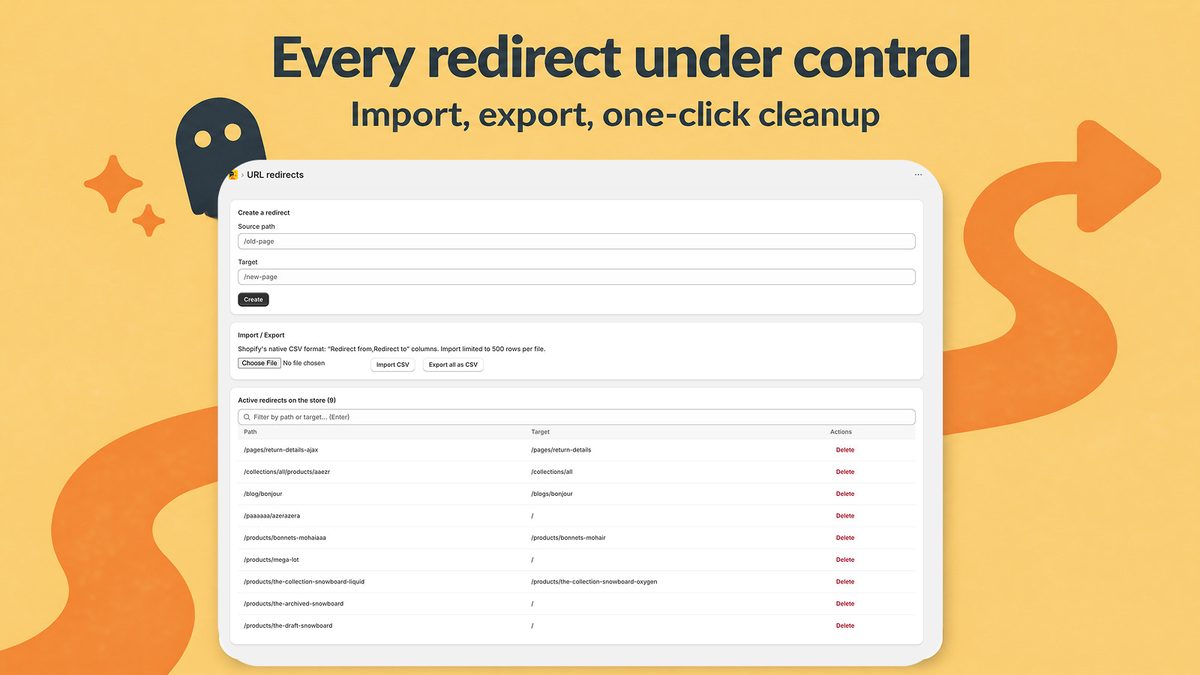
Fix: point A straight to C. Before an import, replace any target that also appears as a source in your file. Our bulk redirects CSV guide covers the file format.
8. You expected a pattern
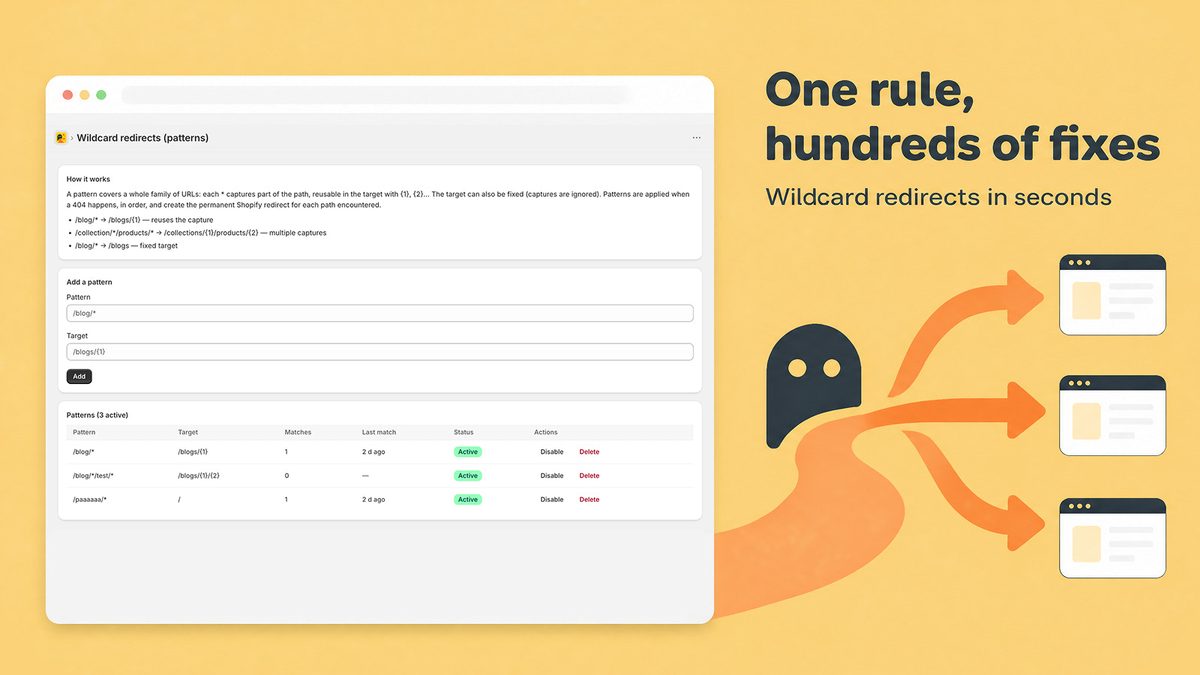
Shopify's native tool has no /blog/* rule. Each redirect maps one exact path to one target, so a redirect from /blog does nothing for /blog/spring-lookbook.
Check: does the failing URL match the Redirect from field exactly, or only its beginning?
Fix: create one redirect per URL, or use an app with pattern rules. Radar404 supports wildcard patterns with captures, such as /blog/* to /blogs/{1}: 5 patterns on the Starter plan, unlimited on Pro, as of September 18, 2026.
9. A /404 redirect breaks the theme editor
Some stores redirect /404 to /. Shopify flags this setup: the theme editor can no longer display your 404 page and sends you home.
Check: search your redirect list for /404.
Fix: delete it, and improve the page itself with our custom 404 page guide.
Redirecting a page that still exists
The native tool refuses (cause 1). Two options:
- Unpublish the source first. Set the product to Draft or the collection to Hidden, then create the redirect.
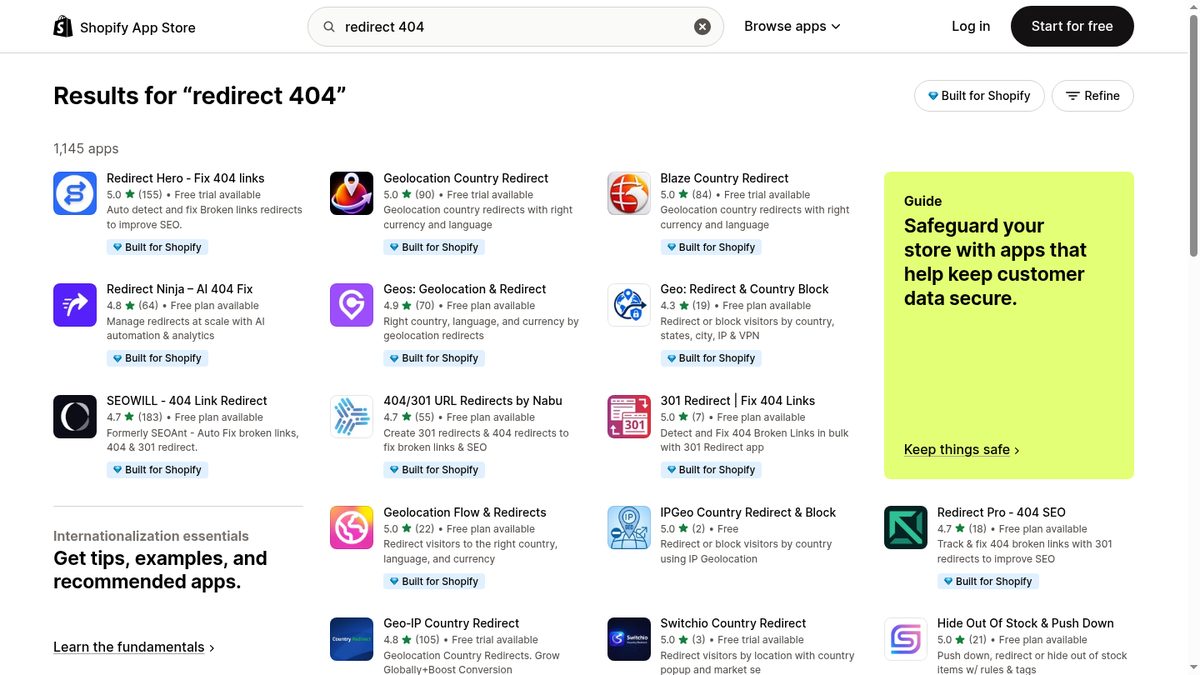
- Use an app with live redirects. As of September 18, 2026, SC Easy Redirects (Pro+), Redirect Hero (Pro+) and Redirect Pro (Free) offer them. These redirects run through the app, so check what happens after an uninstall. Our comparison of Shopify redirect apps has the details.
Find the redirects you haven't created yet
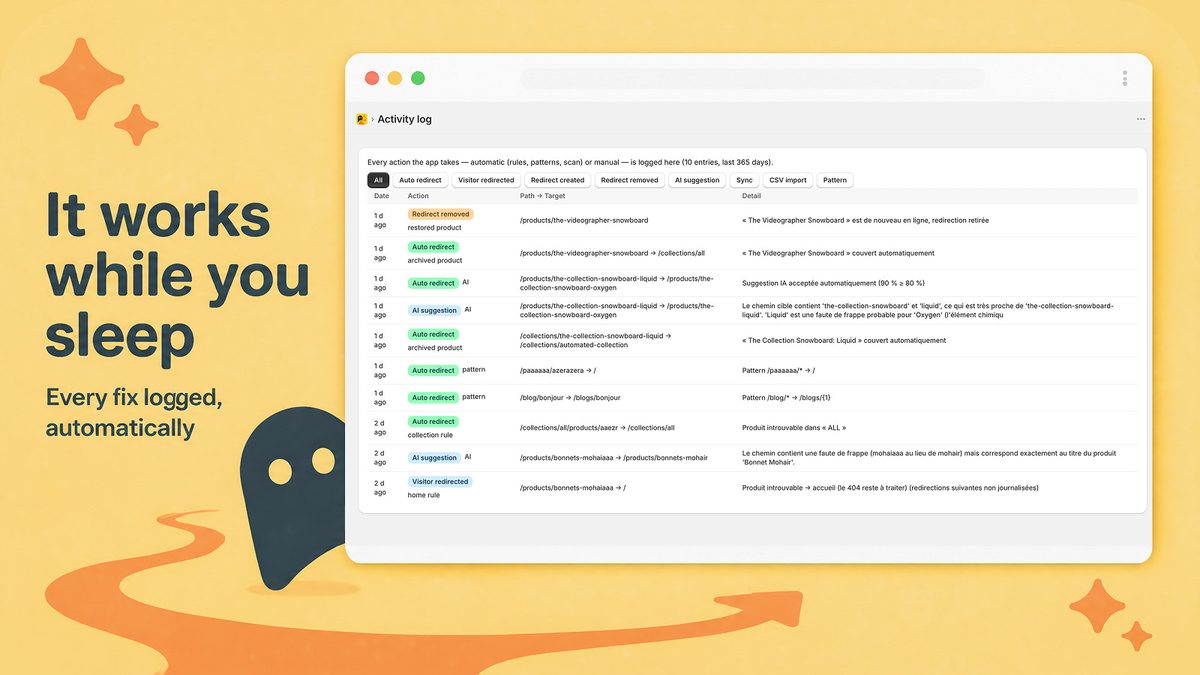
These checks fix redirects you know about. Radar404 finds the missing ones: a beacon loaded only on your 404 page reports each broken URL a visitor or crawler requests, and the AI suggests the closest existing product or collection. Every action lands in a reversible activity log.
Its redirects are native Shopify redirects, so this guide applies to them and they survive an uninstall. It doesn't crawl your site for broken internal links or redirect live pages. The Free plan includes unlimited 404 detection and 3 AI suggestions per month.
Frequently asked questions
Why are my Shopify redirects not working?
Most often the old URL still loads a page, and Shopify only redirects broken URLs. The next suspects are a typo in Redirect from or Redirect to, a reserved path such as /cart or /collections/all, and a 301 cached by your browser.
How do you set up a redirect in Shopify?
In the admin, go to Content > Menus > View URL Redirects, click Create URL redirect, enter the old URL in Redirect from and the new one in Redirect to (/ for the homepage), then click Save redirect. Shopify says redirects start working immediately.
Can a Shopify redirect point to an external URL?
Yes. Use a relative target such as /collections/shirts to stay on your primary domain, and a full URL starting with https:// to send visitors off it.
Can I redirect my Shopify homepage to a product page?
Not with the native tool. Your homepage always loads a valid page, and Shopify only redirects URLs that are broken. Some apps offer live redirects for pages that still exist; check each listing for what it supports.
Why does a deleted Shopify redirect still work?
Browsers and search engines cache 301 redirects. A visitor who followed the redirect before you deleted it can keep being redirected until that cache expires.