Best Shopify Redirect Apps in 2026: How to Choose for Your Store
Shopify's built-in redirects already cover a lot. Pick a redirect app by the job you need done: migrations, 404 detection, product churn, live-page redirects or link crawling.
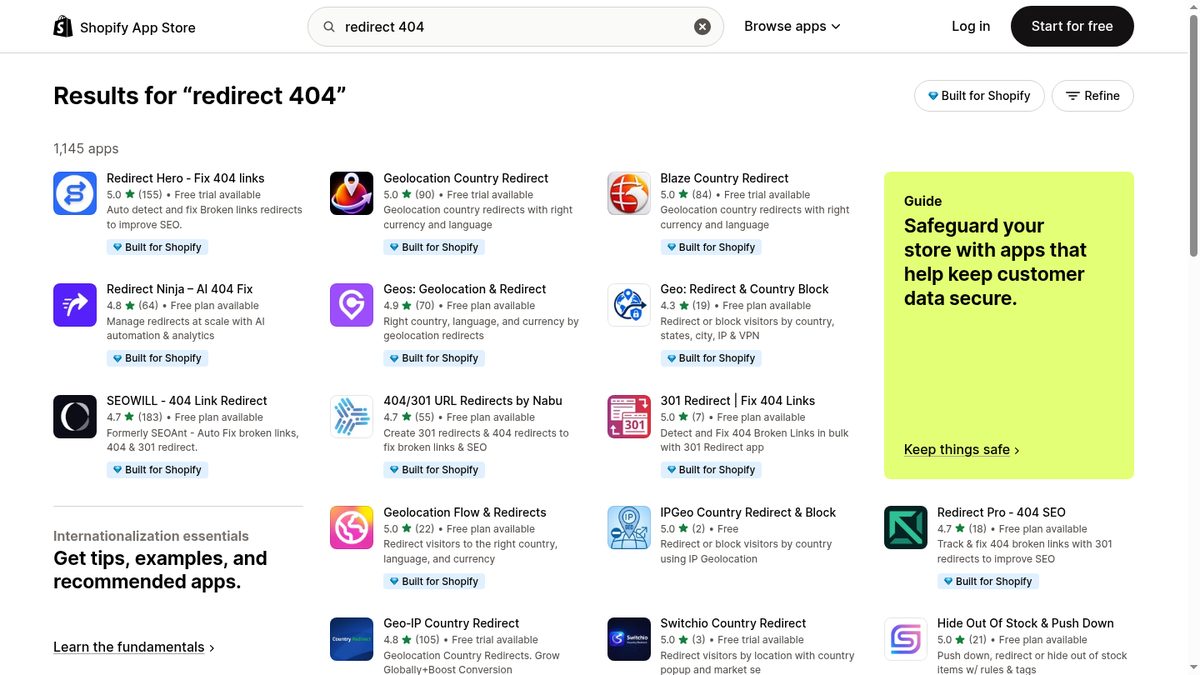
Search "redirect 404" on the Shopify App Store and you get 1,145 results (as of September 18, 2026), with country redirect apps mixed in. This guide sorts the URL redirect apps by the job you need done, with ratings and prices taken from each App Store listing on that date.
Before installing, check that the listing covers URL redirects (old path to new path).
Check whether you need an app at all
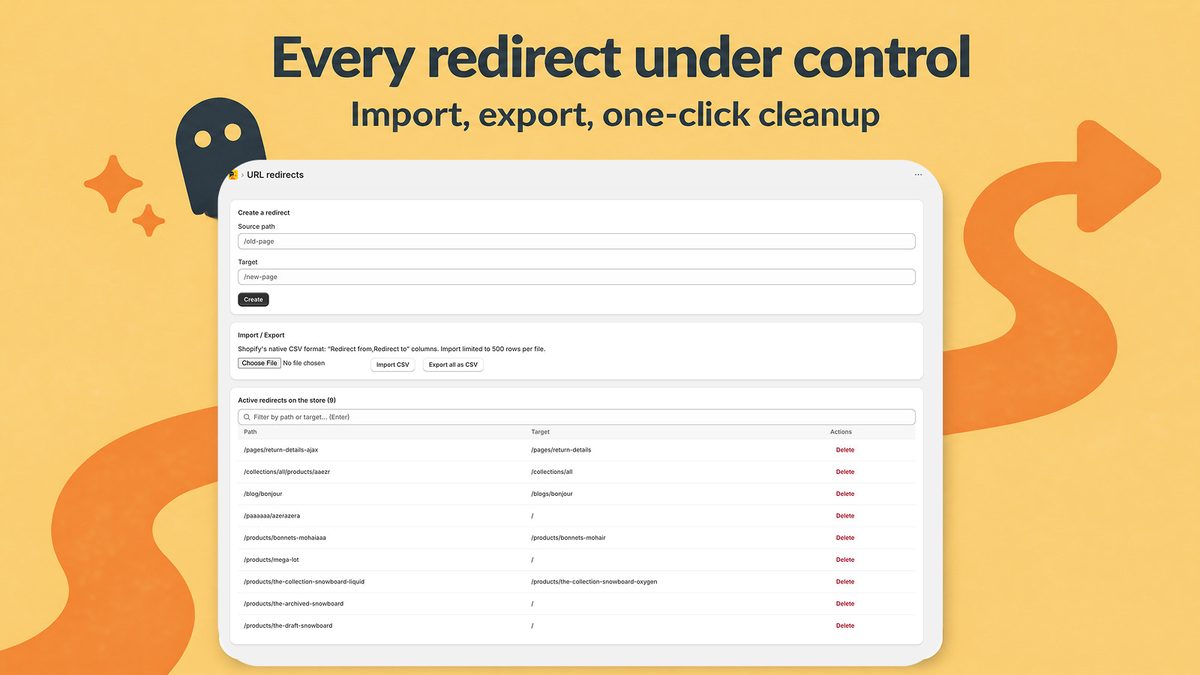
Shopify's built-in tool does more than most merchants expect. Under Content > Menus > View URL Redirects, you can create redirects by hand, import and export them as CSV, edit or delete them in bulk, and store up to 100,000 redirects per store (20,000,000 on Shopify Plus). Shopify's URL redirect documentation covers each screen, and our Shopify 301 redirects guide walks through the setup.
If you already have a list of old and new URLs in a spreadsheet, the native import is enough. See bulk redirects with a CSV.
An app earns its place when you need one of these:
- a list of the URLs that return a 404 to real visitors,
- redirects created automatically when products disappear,
- pattern (wildcard) rules that cover many URLs at once,
- a redirect from a page that still loads. Shopify refuses it: "If the URL still loads a valid webpage, then the URL redirect won't work."
One-time migration with pattern rules
A replatform or a URL restructure usually means one mapping file plus a few patterns. Import the mapping with the native CSV, and add an app only for the patterns:
- Nabu (404/301 URL Redirects by Nabu): the free Explorer plan includes unlimited redirects, CSV import and export, and 3 wildcard or regex rules.
- Redirect Pro: the free plan includes unlimited redirects and imports, plus pattern rules.
- Redirect Ninja: the Pro plan ($9.99/month) adds wildcards and migration tools.
Google's site move guidance asks you to map old URLs to new ones before the move, avoid redirect chains, and keep redirects for at least a year.
A catalog that changes every week
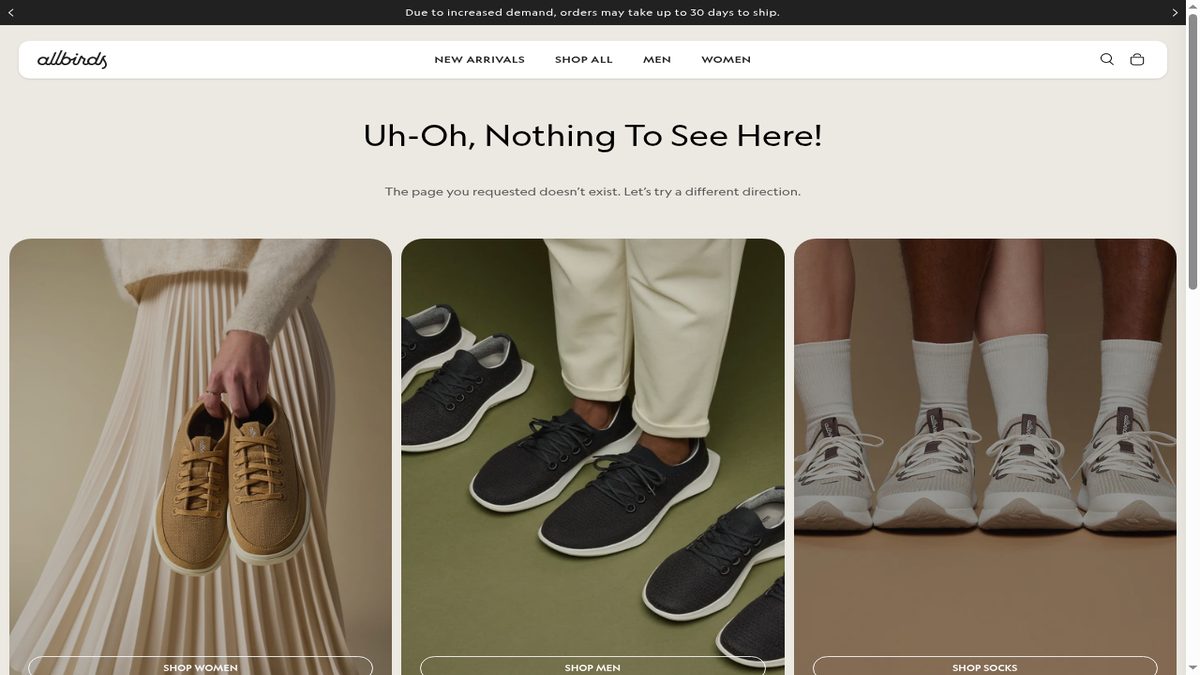
Each archived or deleted product can leave a 404 behind. Here you want real-time tracking and automatic redirects:
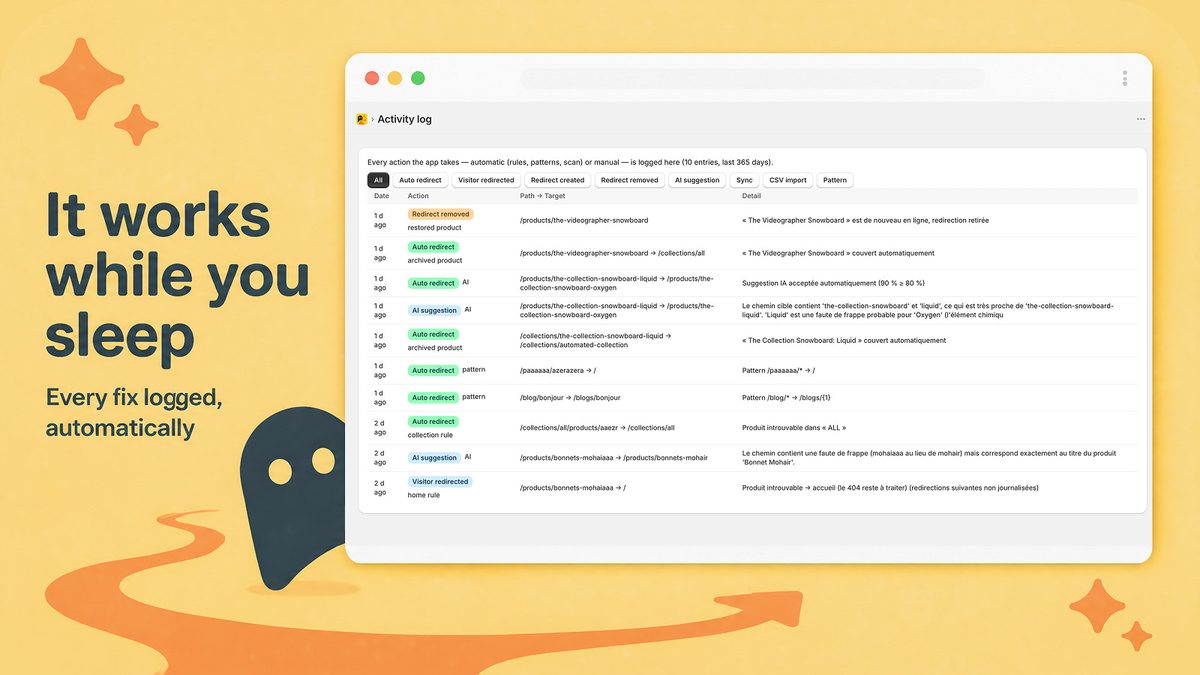
- Radar404: a beacon on the 404 page reports each broken URL as visitors hit it. On paid plans, archived or deleted products get a redirect automatically, removed again if you restore the product.
- Redirectify: $9/month with a 7-day trial, live 404 tracking, rules, path suggestions and CSV import.
- SC Easy Redirects: the Pro plan ($14.99/month) adds automatic 404 detection, alerts and patterns.
Detecting 404s on a small budget
Free plans differ most on detection. Radar404 Free and Nabu Explorer both list unlimited 404 detection. Redirect Hero has no free plan, but its Regular plan costs $2.90/month with real-time tracking.
Other free plans cap tracking: Redirect Pro follows 10 404 visits a month, SEOWILL 10 new 404s, Redirect Ninja 10 404s, Doc404 20 new 404s.
Google Search Console also lists 404s for free. The Page indexing report shows them under "Not found (404)", but only for URLs Google has found.
Redirecting pages that still load
Shopify blocks redirects from live pages. Three apps advertise "live" redirects: SC Easy Redirects (Pro+, $39.99/month), Redirect Hero (Pro+, $4.90/month) and Redirect Pro (Free). These redirects run through the app, so ask the developer what happens to them if you uninstall.
Finding broken internal links with a crawler
Real-time tracking only sees a broken URL when someone requests it. A crawler finds broken links in your own pages first. Dr. Link Check crawls the site and tests each link, images and stylesheets included: free up to 1,000 links per crawl, Pro at $12/month for 10,000 links and scheduled crawls. Our Shopify broken link checker guide compares the two methods.
Comparison table
As listed on the Shopify App Store on September 18, 2026.
| App | Rating (reviews) | Starting price | Free plan | Wildcard/patterns | Real-time 404 tracking |
|---|---|---|---|---|---|
| SC Easy Redirects | 4.7 (298) | Free | Yes | Pro | Pro |
| SEOWILL 404 Link Redirect | 4.7 (183) | Free | 10 new 404s | Pro | Pro |
| Redirect Hero | 5.0 (155) | $2.90/mo | No | Pro+ | Yes |
| Redirect Ninja | 4.8 (64) | Free | 10 404s | Pro | Yes |
| Nabu | 4.7 (55) | Free | Yes | 3 free | Yes |
| Redirect Pro | 4.7 (18) | Free | 10 visits/mo | Yes | Yes |
| Redirectify | 4.5 (15) | $9/mo | No | Rules | Yes |
| Doc404 | 5.0 (5) | Free | 20 new 404s | Yes | Yes |
| Dr. Link Check | 5.0 (1) | Free | 1,000 links/crawl | Not listed | No (crawler) |
| Radar404 | No reviews | Free | Yes | Starter | Yes |
Three checks before you install
- Where the redirects live. Radar404 creates native Shopify redirects, which stay active after you uninstall the app. For other apps, check the listing or ask the developer.
- The free plan quota. A cap of 10 or 20 404s decides how long the free plan stays useful.
- Recent reviews. A high rating from years ago says little about the app today.
Where Radar404 fits
Radar404 launched on July 28, 2026 and has no reviews yet. The Free plan detects unlimited 404s and includes one-click manual redirects and 3 AI suggestions a month. The AI compares each broken URL to your real products and collections, for example /products/bonnets-mohaiaaa to /products/bonnets-mohair. Starter ($5/month) adds automatic redirects, 5 wildcard patterns and CSV import and export. Pro ($24/month) removes the limits. Paid plans come with a 14-day trial.
It does not suit every store. Radar404 does not crawl your site for broken internal links, does not redirect pages that still load, and does not handle geolocation redirects.
Frequently asked questions
Is there a free Shopify redirect app?
Yes. As of September 18, 2026, Radar404, Nabu, Redirect Pro, SEOWILL, SC Easy Redirects, Redirect Ninja and Doc404 all list a free plan. Check the quota first: some free plans track only 10 or 20 new 404s.
What is the best redirect app for Shopify?
It depends on the job. For a one-time migration, Shopify's native CSV import plus a pattern tool such as Nabu or Redirect Pro covers most stores; for a catalog that changes often, pick an app with real-time 404 tracking and automatic redirects; to find broken internal links, use a crawler such as Dr. Link Check.
How do I set up a redirect on Shopify without an app?
Go to Content > Menus > View URL Redirects > Create URL redirect, enter the old path in Redirect from and the new one in Redirect to, then click Save redirect. The redirect works immediately, as long as the old URL no longer loads a page.
Do redirects keep working after I uninstall a redirect app?
Native Shopify redirects stay in place. Radar404 creates native redirects, so they survive an uninstall; for other apps, check the listing or ask the developer, especially for live-page redirects that run through the app.