Custom 404 page on Shopify: how to edit it, and what to put on it
Every Shopify store already has a 404 page. Here is how to edit it in the theme editor, change its default text, and decide when a redirect does the job better.
Every Shopify store already has a 404 page. Your theme ships a template that appears whenever someone types a wrong URL, clicks an old link, or lands on a product you deleted. So the work is deciding what that page offers a lost visitor: a dead end, or a way back to your products.
Edit the 404 page in the theme editor
No code needed. These steps follow the Shopify blog guide to 404 errors:
- In your admin, go to Online Store > Themes.
- Click Edit theme on your live theme.
- Open the page selector at the top of the editor and choose 404 page.
- Add sections the way you would on any other template.
Good candidates: a search bar, a collection list, and a button back to the homepage. Each section accepts its own custom CSS, and Sidekick, Shopify's AI assistant, can help.
If the editor shows your homepage when you pick the 404 page, look for a URL redirect from /404 to /. The Shopify help center page on URL redirects warns that this redirect blocks the 404 preview. Delete it.
Change the default "Page not found" text
The heading and message usually live in your theme's language file. In most themes:
- Go to Online Store, then Actions > Edit languages (or Edit default theme content).
- Type
404in the filter box. - Edit the strings in the Errors section and save.
This path comes from merchant answers in the Shopify Community, so labels can vary with your theme. Swap "Page not found" for a line that sounds like your brand and tells the visitor what to do next.
For developers: the 404 template files
The shopify.dev reference for the 404 template describes it as the template that "renders page content that is shown to customers if they enter an invalid URL for the store." It lives at templates/404.json. In Dawn, that JSON template points to a section, sections/main-404.liquid.
Because the template is JSON, any HTML or Liquid you add belongs in a section that the template references. Shopify's own example adds a "Continue shopping" link built on this route:
{{ routes.all_products_collection_url }}
What a good 404 page contains
Shopify's developer docs and blog agree on the basics:
- A clear message. Say plainly that the page doesn't exist.
- A search bar. The visitor came for something specific; let them type it.
- Links to popular collections or pages. Two or three obvious next steps.
- A link to the homepage or a main collection.
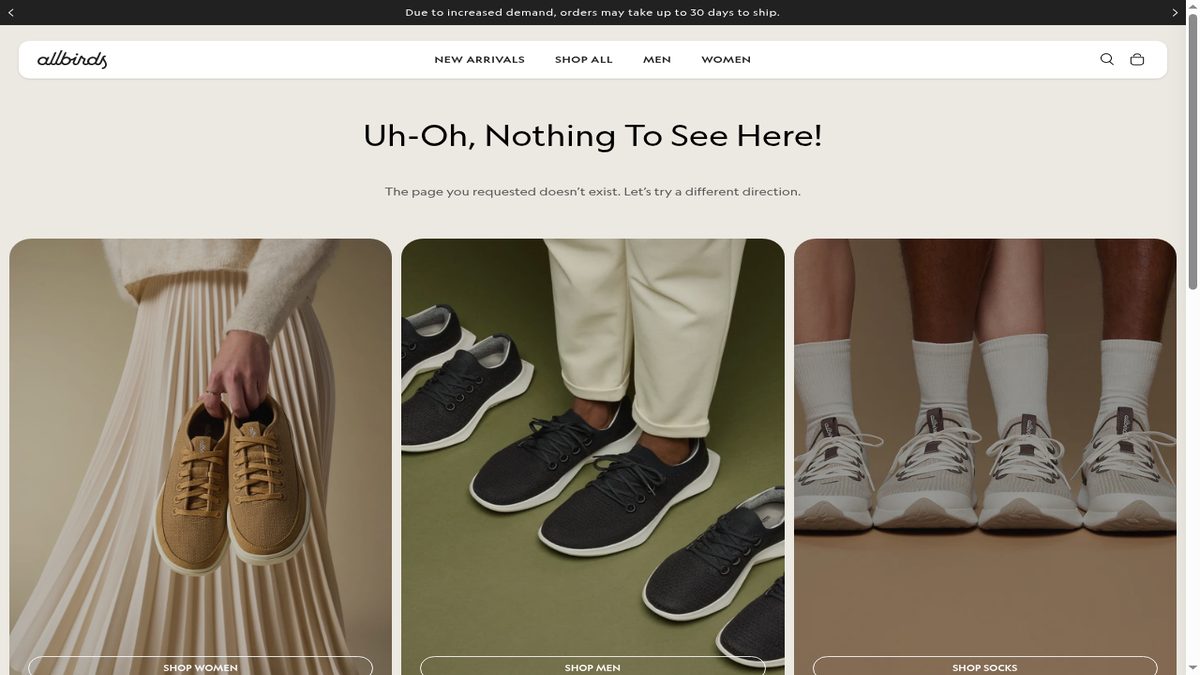
The allbirds page above keeps it that simple. The heading admits the page is gone, one sentence follows, and three large tiles (Shop Women, Shop Men, Shop Socks) send the visitor straight into the main departments.
Two mistakes to avoid
Showing the error on a page that returns 200. Google's documentation on HTTP status codes and soft 404 errors explains that a page returning 200 (OK) with an error message, or an empty page, shows up as a "soft 404" in Search Console. Customize the 404 template itself, and don't build a regular "Not found" page to send visitors to.
Redirecting every 404 to the homepage. It looks tidy, but a shopper who clicked a link to a specific product lands somewhere unrelated, and the old URL never gets matched to its replacement. Our guide to Shopify 404 errors and SEO covers when a 404 is fine and when a URL needs a redirect.
A 404 page saves the visit, a redirect saves the link
The page rescues the person already standing on it. A 301 redirect sends the old URL, and every link pointing to it, to the right new page.
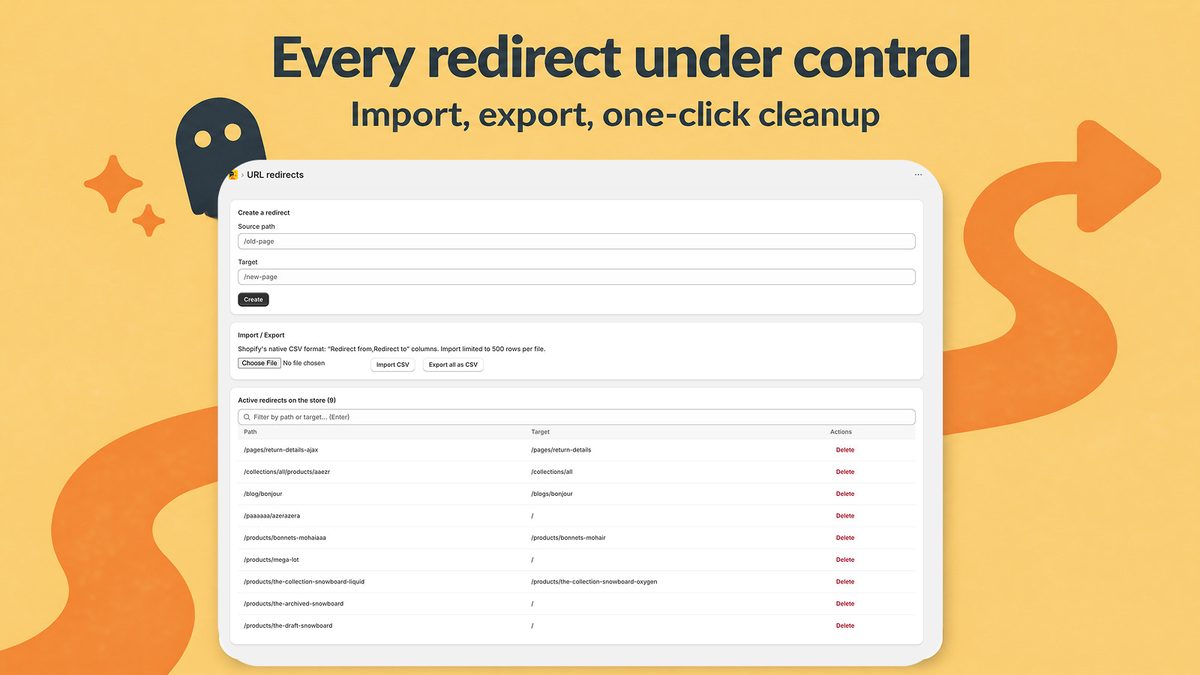
Google's page indexing report help says a 404 with no replacement isn't necessarily a problem, and that a page that moved should get a 301. A polished 404 page therefore doesn't excuse you from redirecting URLs that had traffic or backlinks: a deleted bestseller, a renamed collection, an old blog post people still share. Create those in Content > Menus > View URL Redirects, as our Shopify 301 redirects guide walks through.
You can't prevent every 404 either: Shopify's blog points out that visitors mistype URLs. To find the ones that matter, open Indexing > Pages in Google Search Console and read "Why pages aren't indexed", or run a crawler on your store. Our comparison of Shopify broken link checkers covers both methods.
The native redirect tool has one limit here: it only helps once you know the broken URL, because you type each "Redirect from" path by hand. Radar404 picks up those URLs from the 404 page itself.
Where Radar404 fits
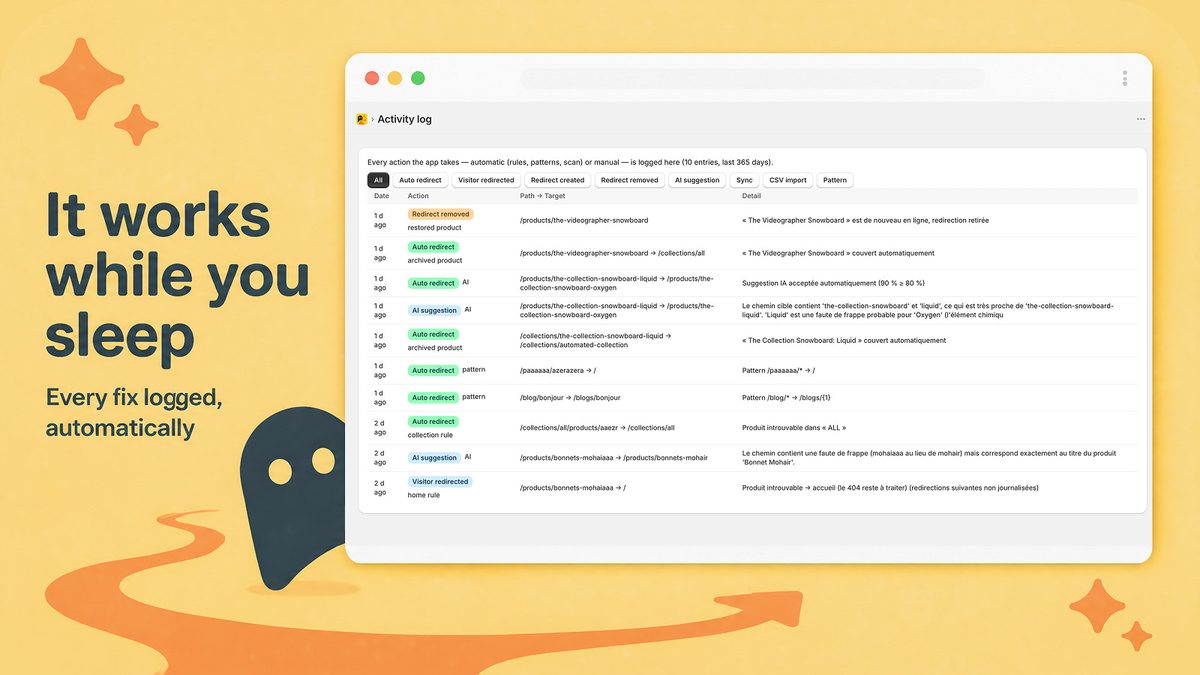
Radar404 adds a beacon to your 404 page through an app embed (one toggle in the theme editor, no code). It reports each broken URL as visitors or bots request it, compares it with your products and collections, and proposes the closest existing page with a confidence score, such as /products/bonnets-mohaiaaa to /products/bonnets-mohair. Above the threshold, it creates the permanent redirect right away; below it, the visitor goes to your homepage and the suggestion waits for your one-click approval. Your custom 404 page stays as it is, and the redirects are native Shopify redirects that remain after you uninstall. The app doesn't crawl your site, so it only sees a broken URL once someone requests it. As of September 18, 2026, the Free plan covers unlimited 404 detection and 3 AI suggestions per month, and automatic redirects start at $5/month on Starter. See Radar404 on the Shopify App Store.
Frequently asked questions
How do I create a 404 page in Shopify?
Your theme already includes one, built from its 404 template. To customize it, go to Online Store > Themes > Edit theme, choose 404 page in the page selector, and add sections such as a search bar, a collection list and a homepage button.
Can you customize a 404 page on Shopify?
Yes. You can add and style sections in the theme editor, and in most themes you can change the default text through Edit languages (or Edit default theme content). Developers can edit the section that templates/404.json references.
How can I fix the 404 page not found error on Shopify?
Visitor typos make some 404s unavoidable, so give your 404 page a search bar and links to your main collections. For URLs that moved or still get traffic, create a 301 redirect in Content > Menus > View URL Redirects.
Why does the theme editor show my homepage instead of the 404 page?
Look for a URL redirect from /404 to /. Shopify's help center notes that this redirect stops the theme editor from displaying the 404 page. Delete it and the preview works again.