Shopify broken link checker: 4 ways to find dead links, compared
Search Console, a free web crawler, a crawler app and a 404 tracking app each catch a different set of dead links on your Shopify store. Here is what each one sees and misses.
Every Shopify store collects dead links. Products get deleted, handles change, customers mistype URLs. Shopify's own blog admits that "it's impossible to eliminate 404 errors completely." Your job: find them fast and send that traffic somewhere useful.
Four kinds of tools go by the name "broken link checker", and each one sees a different slice of the problem.
What causes broken links on Shopify
Dead links on a Shopify store usually come from four situations:
- You delete or archive a product. Google, old emails and other sites still point to its URL.
- You rename a handle. The old URL returns a 404.
- You hide a collection. Shopify's help center confirms it then responds with a 404. Draft products and products removed from every sales channel behave the same way.
- A visitor types the URL wrong.
Our guide to Shopify 404 errors and SEO covers the impact of each case, and fixing broken links after deleting products covers the most common one.
Method 1: Google Search Console
Search Console is free, and Shopify's guide to 404 errors lists it as a way to find dead URLs.
Open Indexing > Pages, then under Why pages aren't indexed, open Not found (404). You get the URLs Google tried to crawl and found dead. The URL Inspection tool checks one address at a time.
Google's page indexing report documentation says Google found these URLs through a link from another page, or because the page existed before. A 404 with no replacement is not necessarily a problem. If the page moved, add a 301.
What it sees: URLs Googlebot has crawled, including ones linked from other websites. What it misses: anything Google hasn't crawled yet, and every human visit. The report is not real time, and Googlebot recrawls dead URLs less and less often.
Method 2: a free online crawler
Shopify's blog also mentions Broken Link Checker (brokenlinkcheck.com), a free web tool. It crawls your pages and lists every link that leads to an error.
It catches problems in your own content: a menu item pointing to a deleted collection, a blog post linking to an old handle, a footer link with a typo.
What it sees: broken links present in your pages. What it misses: links from other sites, URLs in old newsletters, addresses shared on social media or typed by hand.
Method 3: a crawler app inside Shopify
Dr. Link Check (Wulfsoft) runs the same kind of crawl from inside Shopify. It tests every link on your store, images and stylesheets included. As of September 18, 2026, its App Store listing (one review, 5.0) shows:
- Free: 1,000 links per crawl.
- Pro, $12/month: 10,000 links per crawl, scheduled crawls, CSV and PDF export.
The gain over a web tool is the schedule: the crawl runs again without you.
What it sees: broken links in your pages, images and CSS files, on a schedule. What it misses: the same blind spots as method 2.
Method 4: an app that listens to your 404 page
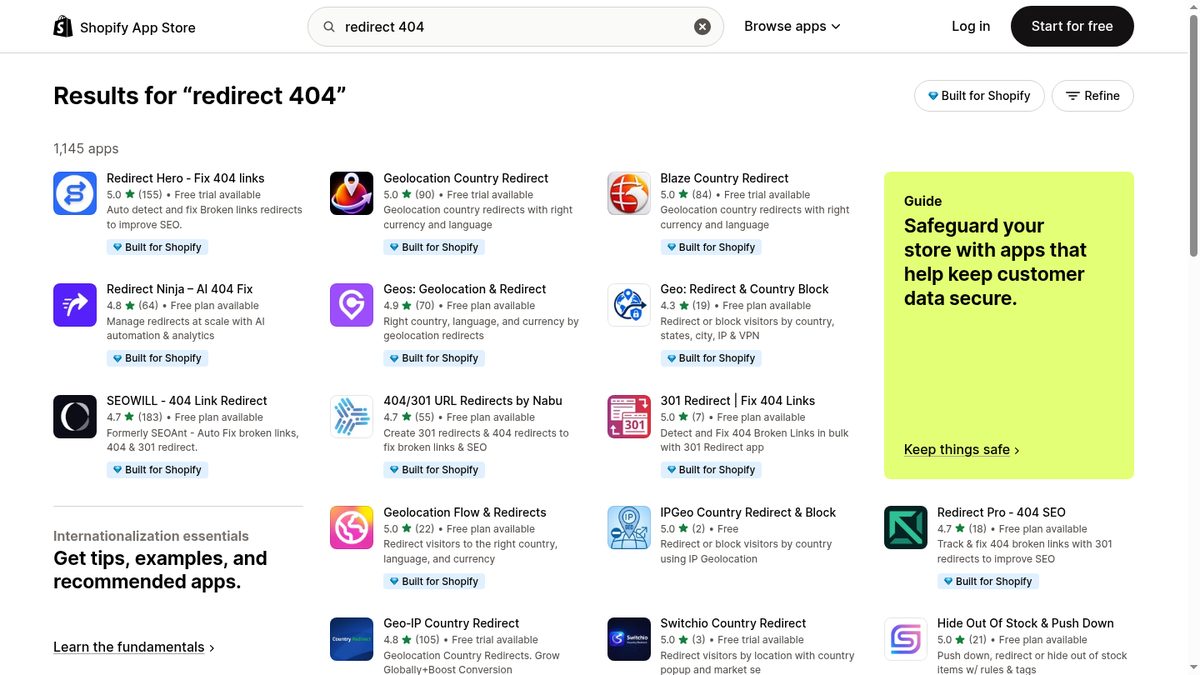
Instead of crawling, the app watches your 404 page and records every URL that lands there. As of September 18, 2026: SC Easy URL Redirects includes automatic 404 detection in its Pro plan ($14.99/month), Redirect Hero offers real-time tracking from $2.90/month, and Nabu's free Explorer plan includes unlimited detection.
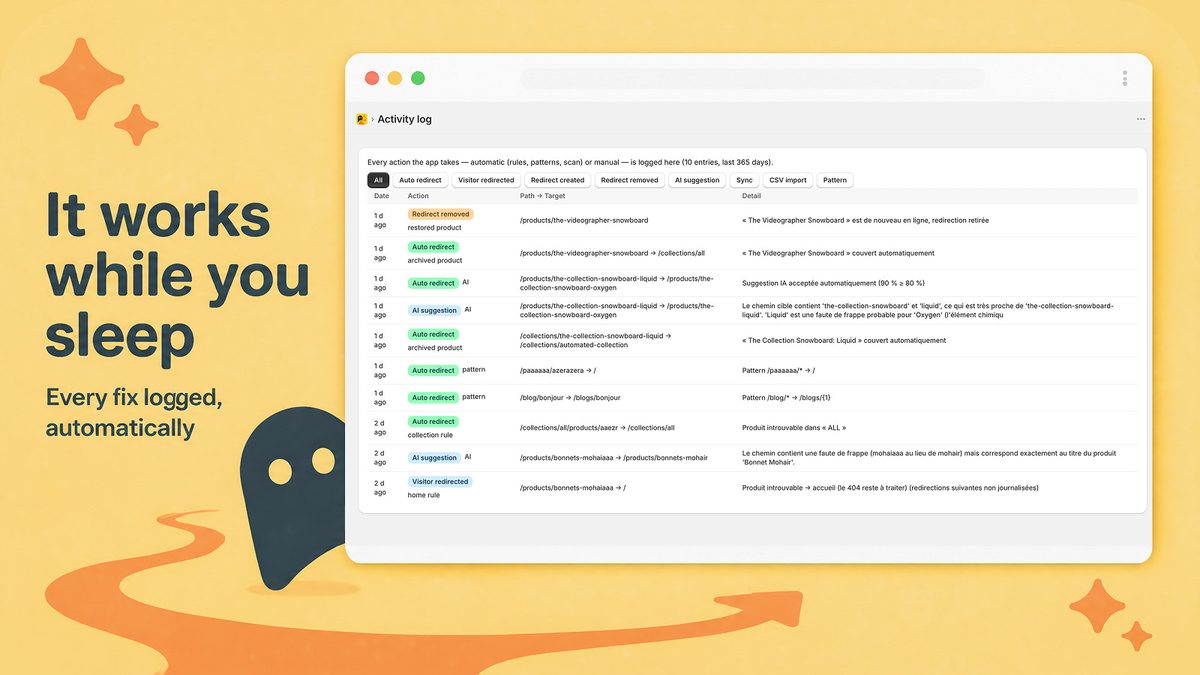
Radar404, the app behind this blog, works the same way. You switch on its app embed in the theme editor, and it loads a small beacon on the 404 page only, then reports each broken URL in real time, with no code to edit.
What it sees: every URL a visitor or bot actually requested that ended on a 404, wherever the link came from: another site, an old email, a typo. What it misses: a broken link nobody has clicked yet.
Comparison of the four methods
| Method | Cost | Sees | Misses |
|---|---|---|---|
| Google Search Console | Free | Crawled URLs, including external links | Uncrawled URLs, human visits, real-time data |
| Free online crawler | Free | Broken links in your own pages | External links, typed or shared URLs |
| Dr. Link Check | Free to $12/month | Your pages, images and CSS, on a schedule | External links, typed or shared URLs |
| 404 listener app | Free plans and paid tiers | Every requested URL that hits a 404 | Broken links nobody has clicked yet |
Crawlers and listeners cover opposite blind spots. A crawler finds the dead link in your footer before a customer hits it. A listener catches the dead link on someone else's site, which no crawler will see. A practical setup: one crawler for your own pages, one 404 listener for real traffic, and Search Console in the background.
Fixing what you find
- The broken link is on your store. Fix it at the source: edit the menu, product description or blog post so it points to a live page.
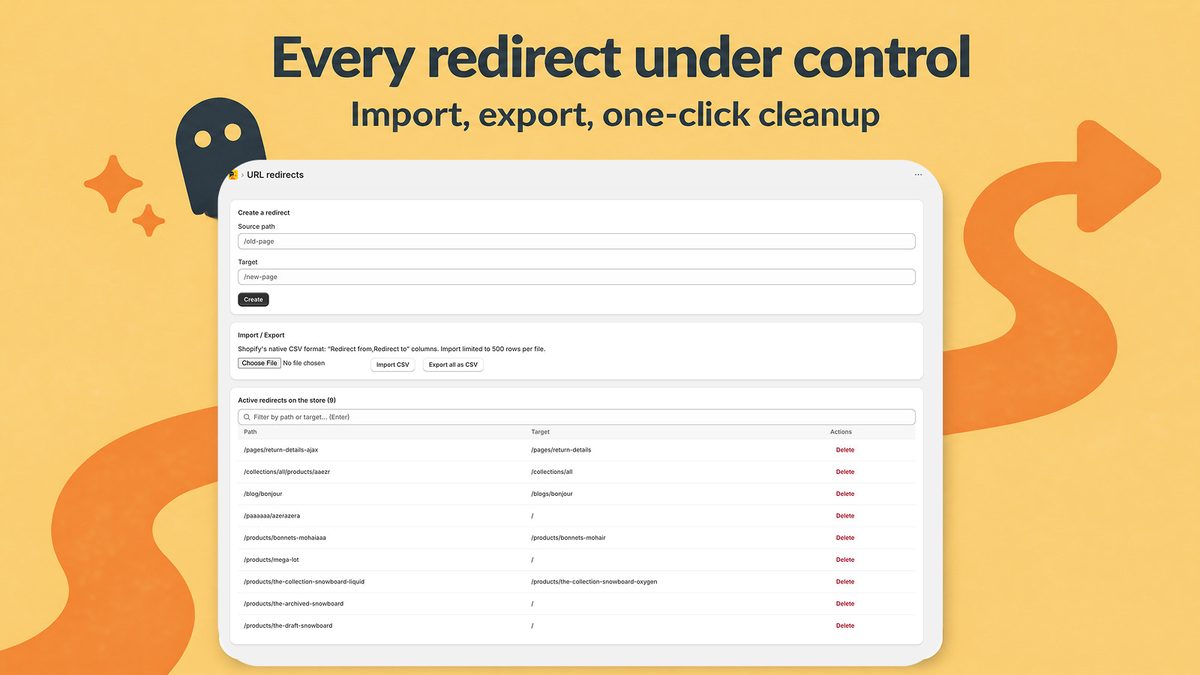
- The broken link is somewhere you don't control. Create a 301 redirect to the closest live page in Content > Menus > View URL Redirects (see Shopify's help page on URL redirects). Shopify only redirects from a URL that no longer loads a page, and the redirect works immediately.
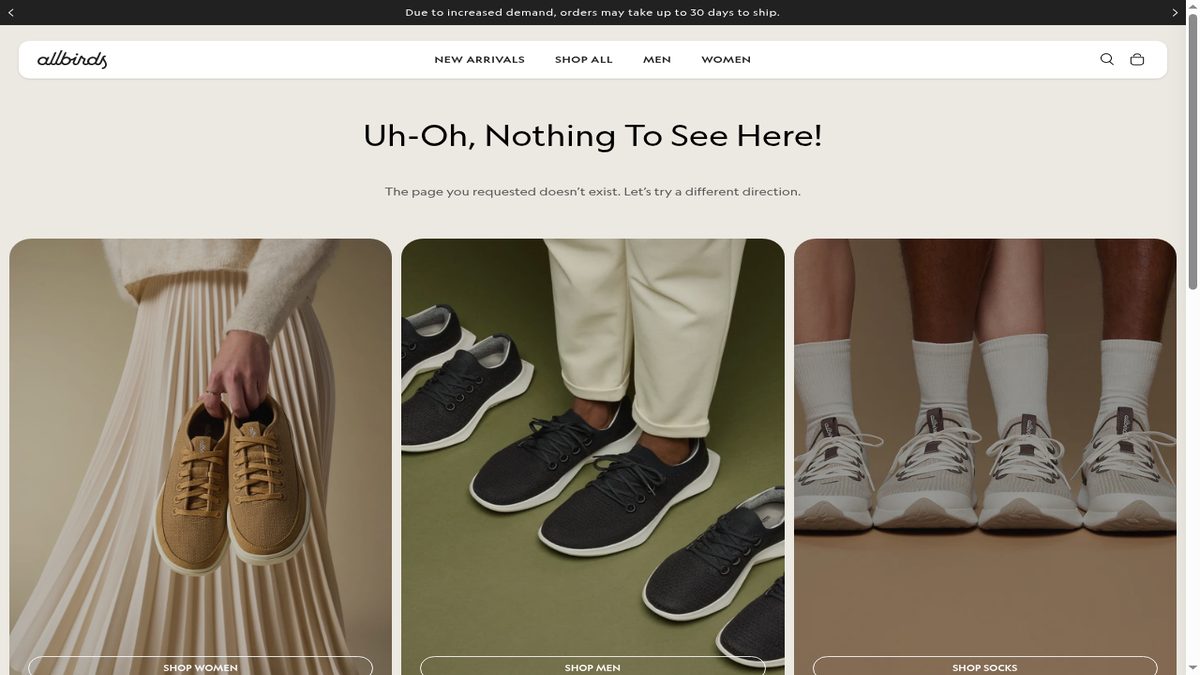
One trap: set a hidden collection back to visible and Shopify deletes its redirect automatically. Our Shopify 301 redirects guide covers the rest. For typos you can't predict, a custom 404 page with search and links to your main collections keeps the visitor on the store.
Where Radar404 fits
Radar404 covers method 4. As of September 18, 2026, the Free plan includes unlimited 404 detection, one-click manual redirects and 3 AI suggestions per month, which point to the closest existing product or collection. From the Starter plan ($5/month), redirects happen automatically. They are native Shopify redirects, so they stay active after you uninstall. Radar404 does not crawl your site, so pair it with a crawler for internal links. Install Radar404 from the Shopify App Store.
Frequently asked questions
How do you fix broken links on Shopify?
If the broken link sits on your own store, edit the menu, page or product description so it points to a live page. If it comes from another site or an old email, create a 301 redirect from the dead URL to the closest live page in Content > Menus > View URL Redirects.
Why is my Shopify store link not working?
Most often the page behind it no longer exists: someone deleted or archived the product, renamed its handle, or hid the collection. A typo in the URL gives the same 404.
What causes broken links on a website?
Pages that move or disappear without a redirect, links typed with a mistake, and external sites that still point to old URLs. On Shopify, deleted products, renamed handles and hidden collections are common causes.
Is there a free broken link checker for Shopify?
Yes. Google Search Console and the Broken Link Checker web tool cost nothing, and Dr. Link Check has a free plan that tests 1,000 links per crawl (as of September 18, 2026). Several 404 tracking apps, including Radar404, also have free plans.